Download XZDM
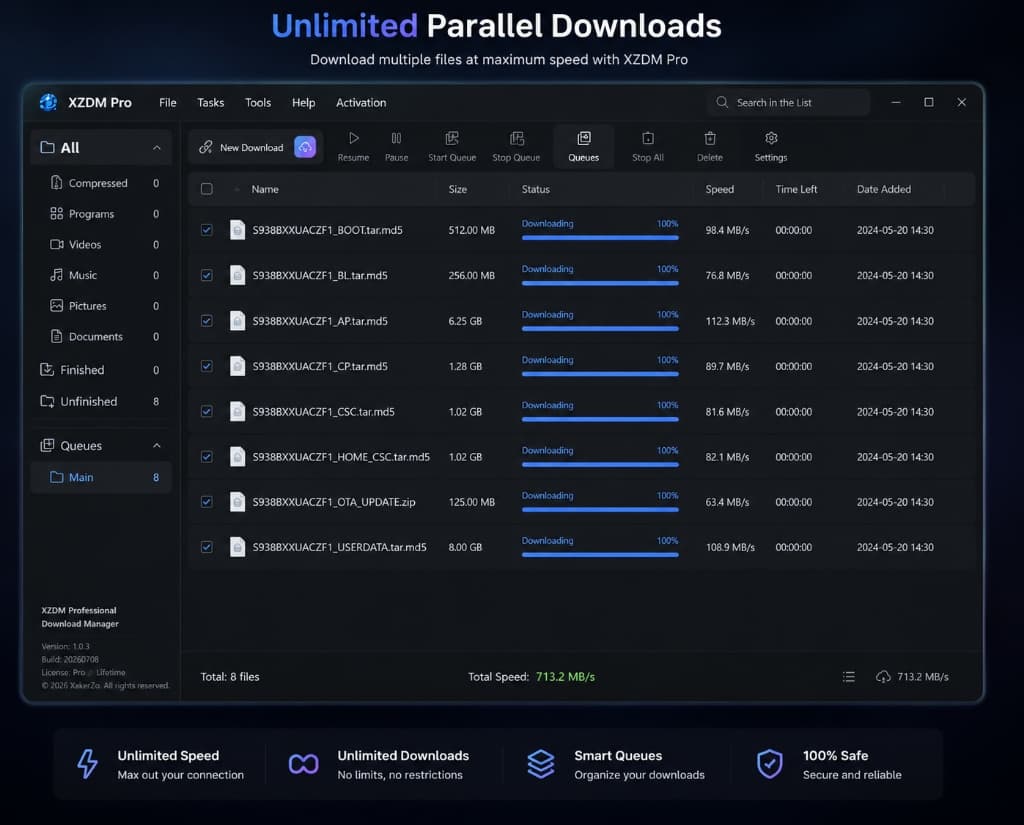
Install the latest version of XZDM and experience maximum download speed with a modern download manager built for Windows.
Latest Release
Version Loading...
System Requirements
- Windows 10 or newer
- 64-bit processor
- 200 MB free disk space
- 4 GB RAM
- Internet connection
Portable Version
No installation required. Run XZDM directly from a USB drive or any folder.
Installation Guide
Download XZDM Installer
Save the setup.exe file to your computer.
Run setup.exe
Double-click the downloaded file to start the installation.
Complete installation
Follow the on-screen instructions in the setup wizard.
Launch XZDM
Open the application and enjoy blazing-fast downloads.
100% Secure & Clean
We take your security seriously. All our installers are digitally signed to ensure authenticity. XZDM contains no malware, no spyware, and no bundled third-party software.
Browser Extensions
Capture downloads automatically from your favorite web browser.


Need help installing?
Our support team and documentation are always available if you encounter any issues during installation or setup.
Ready for maximum download speed?
Upgrade to Pro to unlock 32 download threads, HWID license, and unlimited parallel downloads.